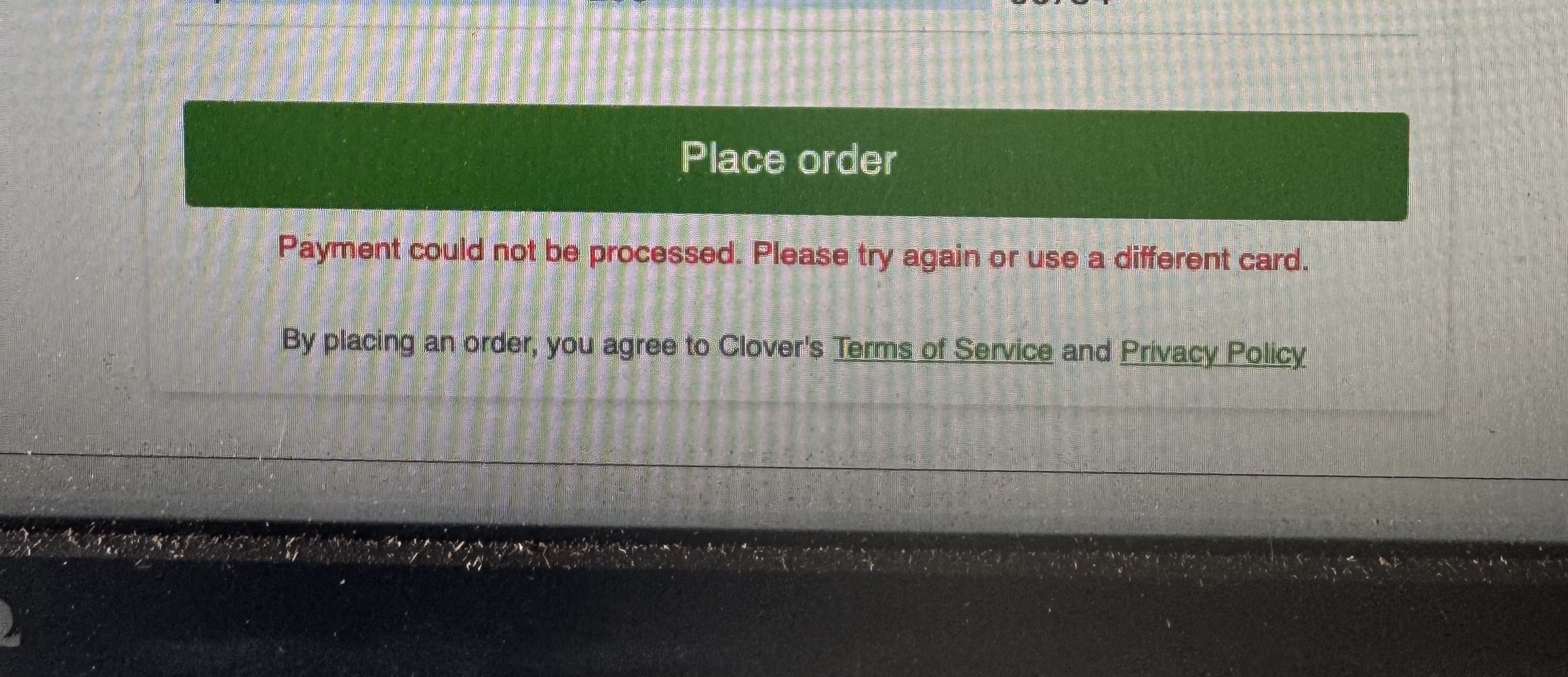
This is the error that we were receiving. After multiple calls to our processor, Clover support and Clover engineering and after about six days. The payment processor for was able to get a solution from Clover Engineering. The solution was-
1.Log in to your Clover Dashboard.
2. Navigate to Fraud Tools settings.
3. Review your active fraud rules.
4. Locate and disable the Fraud Tools rule labeled "Card holder name is not provided." And no AVS.
5. Save your changes.
6. Submit a new test order through your Online Ordering site to confirm payments are processing successfully.
Was this article helpful?
That’s Great!
Thank you for your feedback
Sorry! We couldn't be helpful
Thank you for your feedback
Feedback sent
We appreciate your effort and will try to fix the article